Setup & Support

Setup & Support

Get streaming fast—setup help, troubleshooting, and real support

Follow our quick-start steps to connect your Boltv device and activate your IPTV plan. If you get stuck, our support team can help you get back to watching in minutes.
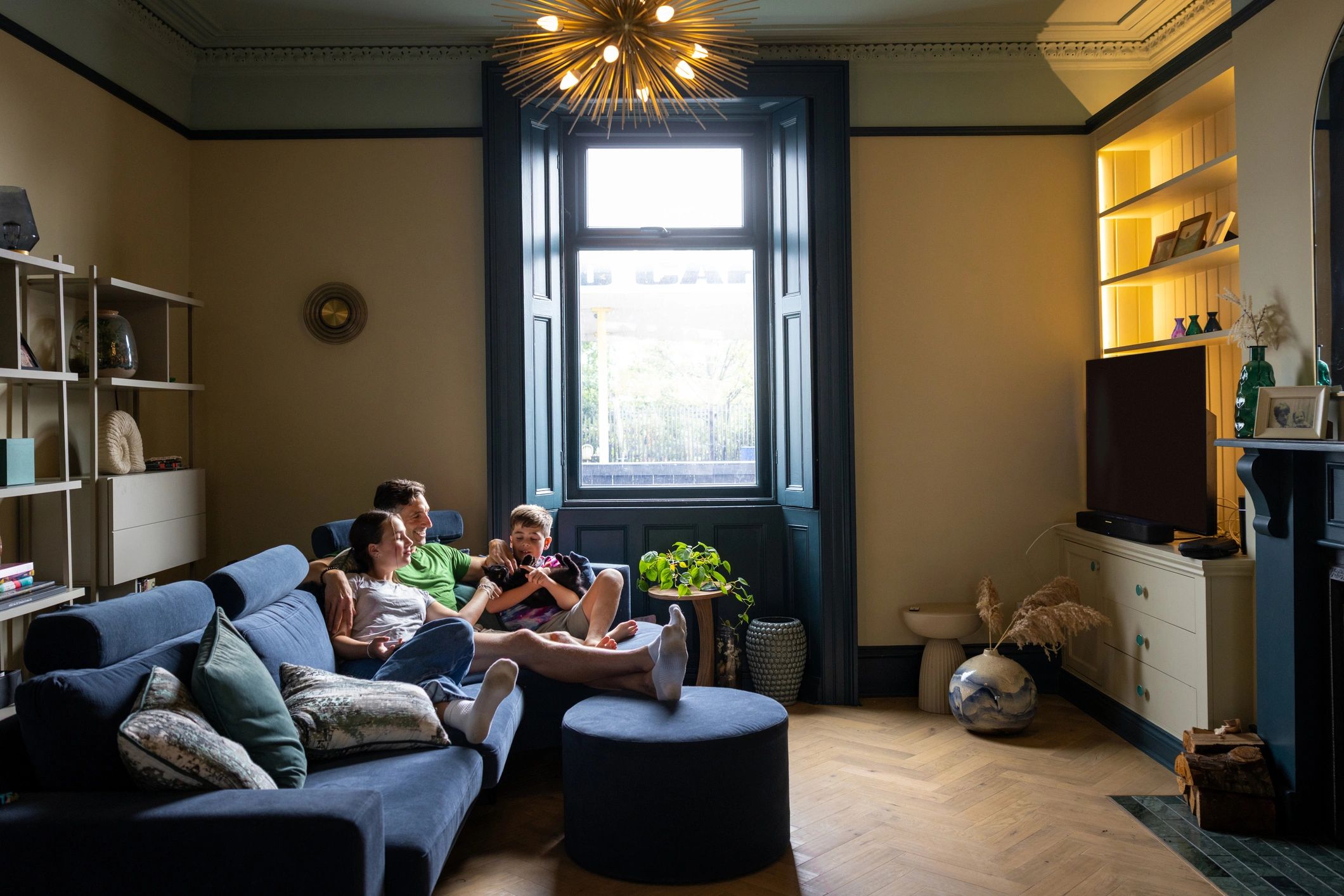
Family relaxing on a sofa watching TV in a cozy living room
Quick start

Everything you need to set up and keep streaming

Use these guides to get connected, optimize performance, and solve common issues.
Compact IPTV streaming box on a clean background

1) Check device compatibility

Confirm your TV, internet connection, and device type are a good match for your plan.

View compatible devices
Abstract graphic representing an IPTV service plan

2) Activate your IPTV plan

After purchase, follow your activation details to sign in and start streaming.

Compare plans
Streaming device accessory on a clean background

3) Optimize your connection

For best results, use a stable Wi‑Fi signal or Ethernet where possible and keep your device updated.

Get help
Troubleshooting

Common setup questions

Try these quick checks first—then reach out if you still need help.

See all FAQs